

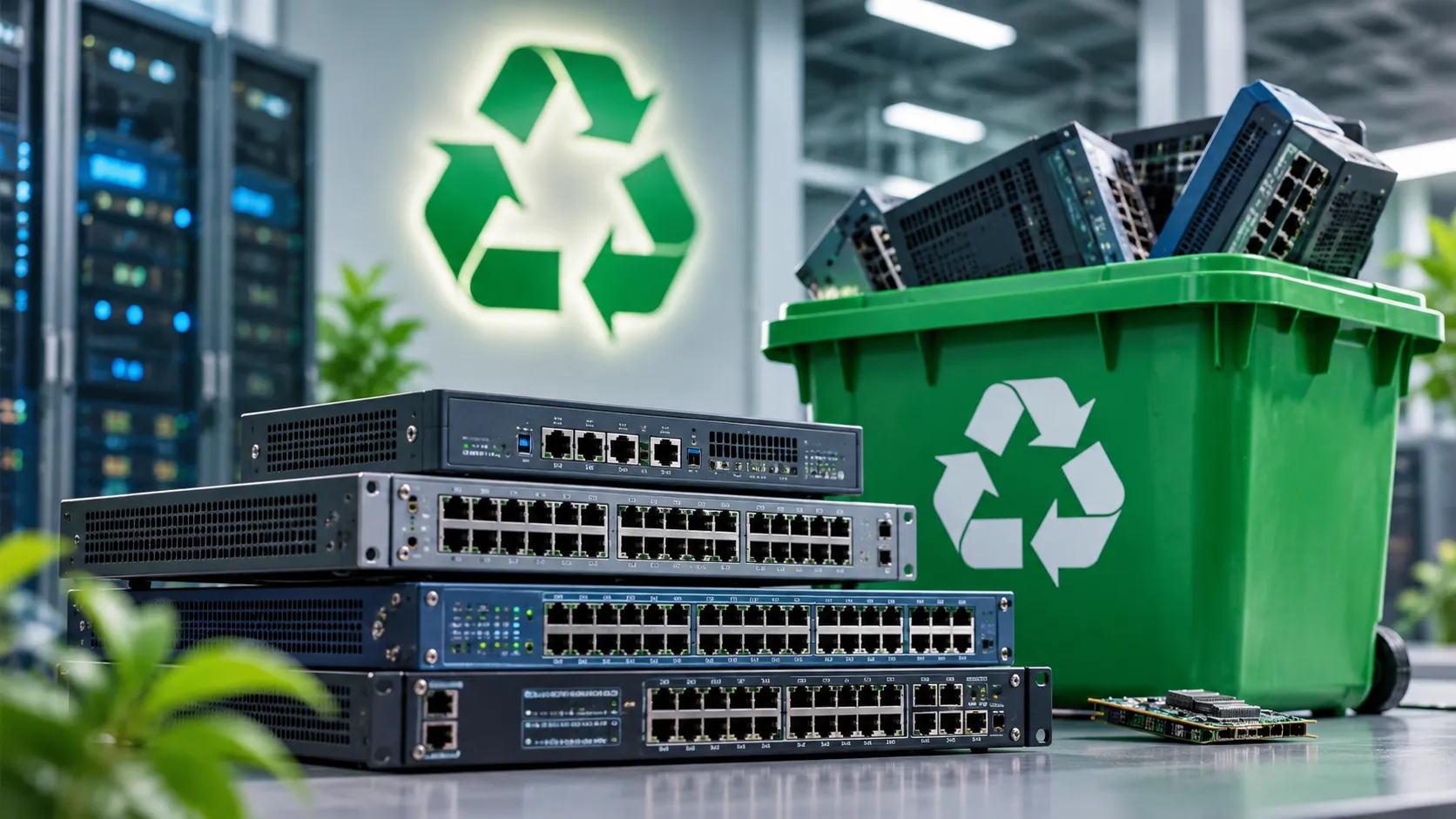
When a business replaces its network infrastructure, old switches, routers, firewalls, and other network hardware do not simply become e-waste. Before network equipment recycling or another form of final disposition, businesses should identify and document their equipment, review security considerations, and determine the most appropriate next step.
Depending on the equipment’s condition, business requirements, and remaining value, retired network hardware may be reused, resold, evaluated for value recovery, or responsibly recycled. For many organizations, managing this process falls under IT Asset Disposition (ITAD), which provides a structured approach to handling retired IT assets.
For IT teams, the goal is not simply to remove old equipment. It is to maintain control of the assets throughout retirement while addressing configurations, credentials, documentation, and the appropriate final disposition.
Why Do Businesses Retire Network Equipment?
Businesses retire network equipment for several reasons, and the decision is not always driven by hardware failure. A switch or router may still power on and function normally but no longer meet the organization’s performance, security, or support requirements.
A common reason is a network refresh. As businesses grow, they may need greater capacity, faster connections, additional features, or equipment that works with newer network infrastructure. Changes to network architecture, office relocations, and data center upgrades can also leave otherwise functional switches and routers unused.
End-of-life (EOL) and end-of-support (EOS) announcements are another important consideration. Depending on the manufacturer and product, a device may no longer receive software updates, security fixes, or technical support. This can make continued use less suitable for an organization’s operational and security requirements.
Whatever the reason for retirement, replacing the hardware is only part of the process. Businesses also need to account for the equipment being removed, review its configuration and security implications, and determine the appropriate next step through their IT asset disposition (ITAD) process.
What Should Businesses Include in a Network Equipment Inventory?
Before retiring network hardware, IT teams should create an accurate inventory of the equipment being removed. This record helps the organization track each asset, plan its removal, and decide whether it should be reused, evaluated for value recovery, or sent for recycling.
For switches, routers, firewalls, and wireless access points, the inventory should capture the details needed to identify each device and understand its role in the existing infrastructure. Depending on the organization’s requirements, useful information includes:
- Manufacturer and model: Identify the device and check its specifications and support status.
- Serial number and asset tag: Record unique identifiers to support asset tracking and reconciliation.
- Physical location: Note the office, equipment room, rack, or site where the device is installed.
- Network role and dependencies: Document what the device connects to and whether other systems depend on it. For example, a switch may connect servers, wireless access points, or other network devices.
- Condition and completeness: Record whether the equipment is functional, damaged, missing components, or accompanied by accessories.
- Disposition status: Track whether the asset is awaiting removal, approved for reuse, being evaluated for value recovery, or assigned for recycling.
The inventory should also be checked against the organization’s asset records before equipment is removed. This helps identify missing assets, avoid confusion between similar devices, and maintain a clear record of what leaves the site.
Inventory records should not be used to store passwords or other sensitive credentials. Access information and device configurations require separate, controlled handling as part of the retirement process. Once the inventory is verified, the IT team can review the relevant security considerations and determine the appropriate disposition route.
What Should IT Teams Review Before Removing Network Equipment?
Before removing retired network equipment, IT teams should review its configuration, management access, and any security-sensitive information associated with the device. The exact requirements depend on the equipment type and how it was used within the network.
For example, switches may contain VLAN settings and port configurations, while routers and firewalls may hold routing rules, access-control policies, VPN settings, or other network details. These records can be important for troubleshooting, audits, or future reference, but they should only be retained in approved, access-controlled locations.
IT teams should also identify credentials, authentication tokens, certificates, or management accounts associated with the equipment. Depending on the device and the organization’s security procedures, these may need to be revoked, rotated, or removed before the equipment leaves the organization’s control.
Before making changes, teams should confirm whether configuration backups or other records must be retained for operational, legal, or compliance reasons. They should also update relevant asset and network documentation so that retired devices are no longer treated as active parts of the infrastructure.
A factory reset alone should not automatically be considered proof that every security concern has been addressed. The appropriate preparation and sanitization steps depend on the device, the information it may retain, and the organization’s requirements. These checks help businesses reduce security risks and prepare equipment for its next stage, whether that involves reuse, resale, or recycling.
What Happens to Retired Network Equipment?
Once a business has inventoried its retired network equipment and reviewed the relevant security requirements, the next step is to determine what should happen to each asset. Not every device needs to follow the same route. Its condition, age, support status, potential market value, and the organization’s requirements all influence the decision.
1. Reuse Equipment That Still Meets Business Requirements
Some retired switches and routers may still be suitable for use in a lab, a test environment, a training setup, or another location with less demanding requirements. Before redeploying a device, the IT team should confirm that it remains supported where necessary, meets the intended network requirements, and has been prepared for its new role.
Equipment should not be reused simply because it powers on. An older device that no longer receives security updates may be unsuitable for a production network, even if it appears to work normally.
2. Evaluate Equipment for Resale or Value Recovery
Functional equipment may retain value after a network upgrade. Depending on its condition, age, demand, and support status, a retired device may be suitable for resale, buyback, or another value-recovery option.
An accurate inventory makes this assessment easier because it gives the organization a clearer picture of the manufacturer, model, quantity, and condition of the available equipment. However, resale or buyback should not be assumed for every asset. Some devices may have limited demand, missing components, or support limitations that reduce their value.
For eligible equipment, an electronics buyback service may provide another option. eWasteWorld offers an Electronics Buyback service that businesses can explore when evaluating retired IT assets. Eligibility and potential value should be confirmed based on the specific equipment rather than assumed in advance.
Before equipment changes ownership, the organization should also address applicable security requirements and document the transfer appropriately.
3. Recycle Equipment That Is No Longer Suitable for Use
When equipment cannot reasonably be reused or recovered for value, network equipment recycling provides a route for handling it as retired electronic hardware rather than leaving it in storage or disposing of it with ordinary waste.
Switches, routers, firewalls, and wireless access points contain electronic components and materials that require appropriate handling at the end of their useful life. Suitable recycling processes help direct these materials into appropriate recovery and processing streams. The exact handling process depends on the equipment and the recycling provider’s capabilities.
For businesses retiring equipment across multiple offices or a data center, coordinating collection and keeping accurate asset records can make the process easier to manage.
The key is to make a deliberate decision for each asset rather than sending every device down the same path without assessing its condition, security requirements, or potential value.
A Practical Checklist for Retiring Network Switches and Routers
Before equipment leaves the site, IT teams can use the following checklist to prepare for retirement and reduce the risk of missing important steps.
- Confirm the retirement scope: Identify which switches, routers, firewalls, and access points are being removed.
- Verify the inventory: Match serial numbers and asset tags against the organization’s records.
- Document network dependencies: Confirm that required connections, services, and configurations have been accounted for before disconnecting equipment.
- Review configurations and access: Identify relevant configuration backups, management accounts, credentials, tokens, and certificates. Handle them according to the organization’s security procedures.
- Confirm backup and retention requirements: Determine which records must be retained and where approved copies should be stored.
- Assess each asset’s condition: Separate functional equipment from damaged, incomplete, unsupported, or otherwise unsuitable devices.
- Choose a disposition route: Determine whether each asset is intended for reuse, resale, value recovery, or recycling.
- Document removal and transfer: Update asset records and maintain appropriate records of equipment leaving the organization’s control.
- Arrange collection or delivery: Confirm the quantities, locations, timing, and handling requirements before equipment is moved.
- Close out the records: Update asset and network documentation so the retired equipment is no longer listed as active.
The checklist can be adapted to the organization’s size, security requirements, and internal procedures. Larger refresh projects may also require coordination among IT, security, facilities, procurement, and asset management teams.
Common Mistakes to Avoid When Retiring Network Equipment
A network refresh can create avoidable problems when the retirement process receives less attention than installing the replacement hardware. A few common mistakes are worth addressing before equipment is removed.
Treating every device as ordinary e-waste: Functional equipment may still be suitable for reuse or value recovery. Assessing each asset first can help businesses avoid overlooking those options.
Relying on a factory reset alone: A reset should not automatically be treated as proof that all security concerns have been resolved. Teams should follow an appropriate process based on the device and the information it may retain.
Disconnecting equipment before documenting dependencies: Removing a switch or router without confirming what it supports can disrupt services or leave gaps in network documentation. Dependencies should be reviewed before disconnection.
Leaving inventory records incomplete: Missing serial numbers, incorrect quantities, and outdated asset records make it harder to reconcile equipment and maintain an accurate record of what was removed.
Storing credentials in general inventory files: Passwords, tokens, and other sensitive access information should be handled through approved, controlled processes rather than placed in ordinary asset spreadsheets.
Keeping retired equipment indefinitely without a plan: Unused devices can occupy valuable storage space and make asset tracking more difficult. A defined disposition process helps the organization decide what to retain and what to move out of storage.
Example: Retiring Network Equipment During an Office Upgrade
Consider a business upgrading its office network and replacing several switches, routers, and wireless access points. Some of the older devices still work, while others are unsupported or have missing components.
Instead of treating the entire batch as one recycling job, the IT team first matches each device to its asset records and documents its condition and network role. It confirms that the replacement equipment is ready, records any necessary configuration information, and reviews management access before disconnecting the old hardware.
The team then separates equipment that may be suitable for approved reuse or value recovery from devices that are no longer appropriate for those purposes. The remaining equipment is assigned for recycling through the organization’s chosen process, and the asset records are updated to reflect the final outcome.
This is an illustrative example, not a report of a specific customer project. It shows why inventory, security review, and disposition planning should be treated as connected parts of the same process.
When Should Businesses Use a Professional ITAD or Recycling Service?
A professional service may be worth considering when a business needs to retire a large volume of network equipment, coordinate pickups across multiple locations, or manage equipment as part of a wider office or data center decommissioning project.
It may also help when internal teams need support coordinating asset handling, collection, recycling, or potential value recovery. The right service depends on the equipment involved, the scale of the project, the organization’s security requirements, and the documentation it needs.
For businesses managing retired equipment as part of a wider IT lifecycle, IT Asset Disposition (ITAD) provides a framework for coordinating the process from asset identification through final disposition. Depending on the project and the services selected, this may involve reuse, resale, value recovery, recycling, and appropriate security controls.
Before choosing a provider, businesses should clarify which services are included, how equipment will be tracked, what documentation will be supplied, and how security-sensitive equipment will be handled. Any required certifications, data-handling procedures, or reporting commitments should be confirmed directly with the provider rather than assumed.
For more information, explore eWasteWorld’s Network Equipment Recycling, ITAD, and Secure Data Destruction services. The most relevant service will depend on the equipment being retired and the organization’s operational and security requirements.
Ready to Plan Your Network Equipment Retirement?
If you have retired switches, routers, firewalls, or other IT assets waiting to be handled, eWasteWorld can help you review your options, including Network Equipment Recycling, ITAD, and Secure Data Destruction. Contact eWasteWorld to discuss your equipment and requirements.