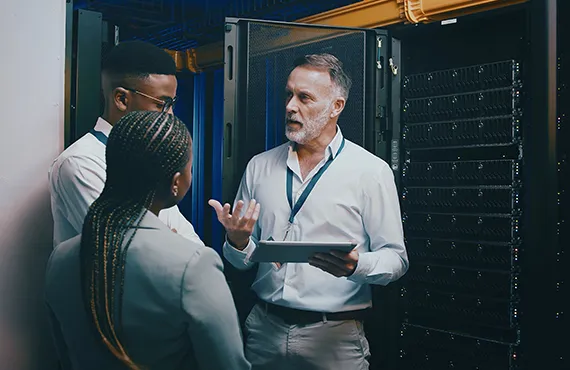
Data Center Decommissioning and ITAD: A Guide for IT Managers

Data centers and server rooms are the heart of business technology. They support applications, file storage, backups, authentication, databases, security systems, and communication. But as companies move to cloud platforms, replace outdated servers, consolidate locations, or upgrade infrastructure, old equipment must be removed safely and responsibly.

For IT managers, data center decommissioning is not simply unplugging hardware. It is a controlled process that includes planning, inventory, secure data handling, equipment removal, documentation, and recycling. A mistake during decommissioning can expose sensitive data, disrupt operations, or create compliance issues.

eWasteWorld helps businesses manage retired IT infrastructure through secure ITAD, server recycling, data destruction, and responsible electronics recycling. Our goal is to help IT teams reduce risk and make the retirement of old equipment easier, safer, and more professional.

Why Data Center Decommissioning Requires Planning

Servers, storage devices, switches, routers, firewalls, racks, UPS systems, and cables often work together as part of a larger network. Removing equipment without a plan can create confusion, lost assets, accidental downtime, or incomplete data destruction.

A good decommissioning plan identifies what equipment is being removed, what data may exist on each device, which systems are still active, which assets need destruction, and which items can be recycled or recovered. IT managers should also consider access control, transportation, asset reporting, and documentation.

This is why ITAD services are valuable. A professional ITAD process helps connect technical removal with business risk management.

Network+ Concepts Inside a Server Room

Network+ teaches that infrastructure is built from interconnected components. A server room may include Layer 2 switches, Layer 3 routing, firewalls, wireless controllers, patch panels, copper cabling, fiber connections, DNS, DHCP, VLANs, subnets, and access control systems. These are not random devices. They represent the structure of the business network.

When equipment is retired, the information inside or connected to these systems may still matter. A server may contain user files, application data, logs, backups, virtual machines, or database information. A switch may show VLAN design. A firewall may store security policies. A storage array may contain years of business data.

Because of this, server recycling must be handled carefully. Drives should be removed, wiped, shredded, or destroyed according to the company’s security requirements. Equipment should be tracked, and the business should receive documentation.

Data-Bearing Assets Are the Highest Risk

The most important part of decommissioning is identifying data-bearing assets. These may include hard drives, SSDs, servers, SAN/NAS storage, backup appliances, laptops, desktops, removable media, and certain network devices.

Deleting files or formatting a drive is not enough for business security. Data may still be recoverable with forensic tools. A professional process uses secure data destruction methods such as certified wiping, shredding, crushing, or physical destruction when appropriate.

For IT managers, the question should not be “Is the device old?” The question should be “Could this device contain recoverable business information?” If the answer is yes, it needs a secure destruction plan.

Chain of Custody Protects the Business

When equipment leaves the building, the company still needs to know where it went and how it was handled. A proper chain of custody helps document the movement of equipment from pickup to processing. This is especially important for businesses with sensitive customer data, employee records, financial information, healthcare information, legal records, or intellectual property.

Chain of custody can support audits, internal reviews, compliance requirements, and insurance questions. It also protects the IT manager by showing that retired assets were not handled casually or given to an unknown party.

When a recycling partner provides documentation, asset reports, and certificates when applicable, the business has proof that the decommissioning process was handled responsibly.

Common Data Center Equipment That Needs Recycling

During decommissioning, businesses may need removal and recycling for rack servers, blade servers, storage arrays, networking switches, routers, firewalls, load balancers, battery backups, PDUs, cables, racks, monitors, keyboards, and old workstations.

network equipment recycling is especially important because routers, switches, and firewalls may contain configuration data. hard drive destruction is critical when storage media contains sensitive data. SSD destruction may also require special handling because SSDs store data differently than traditional hard drives.

IT managers should not assume every device can be handled the same way. A good recycling partner helps separate equipment by risk level and processing requirement.

Reducing Downtime During Equipment Removal

One major concern during decommissioning is business continuity. Equipment should not be removed until the IT team confirms that systems are no longer active, backups are complete, data migration is finished, and replacement systems are working.

Professional removal supports a smoother process. Equipment can be staged, sorted, and removed in a way that reduces disruption. For multi-location businesses, scheduling and coordination become even more important.

When businesses choose a reliable corporate IT recycling partner, internal IT teams can stay focused on users, systems, and projects instead of spending days moving hardware and figuring out disposal logistics.

Compliance, Security, and Environmental Responsibility

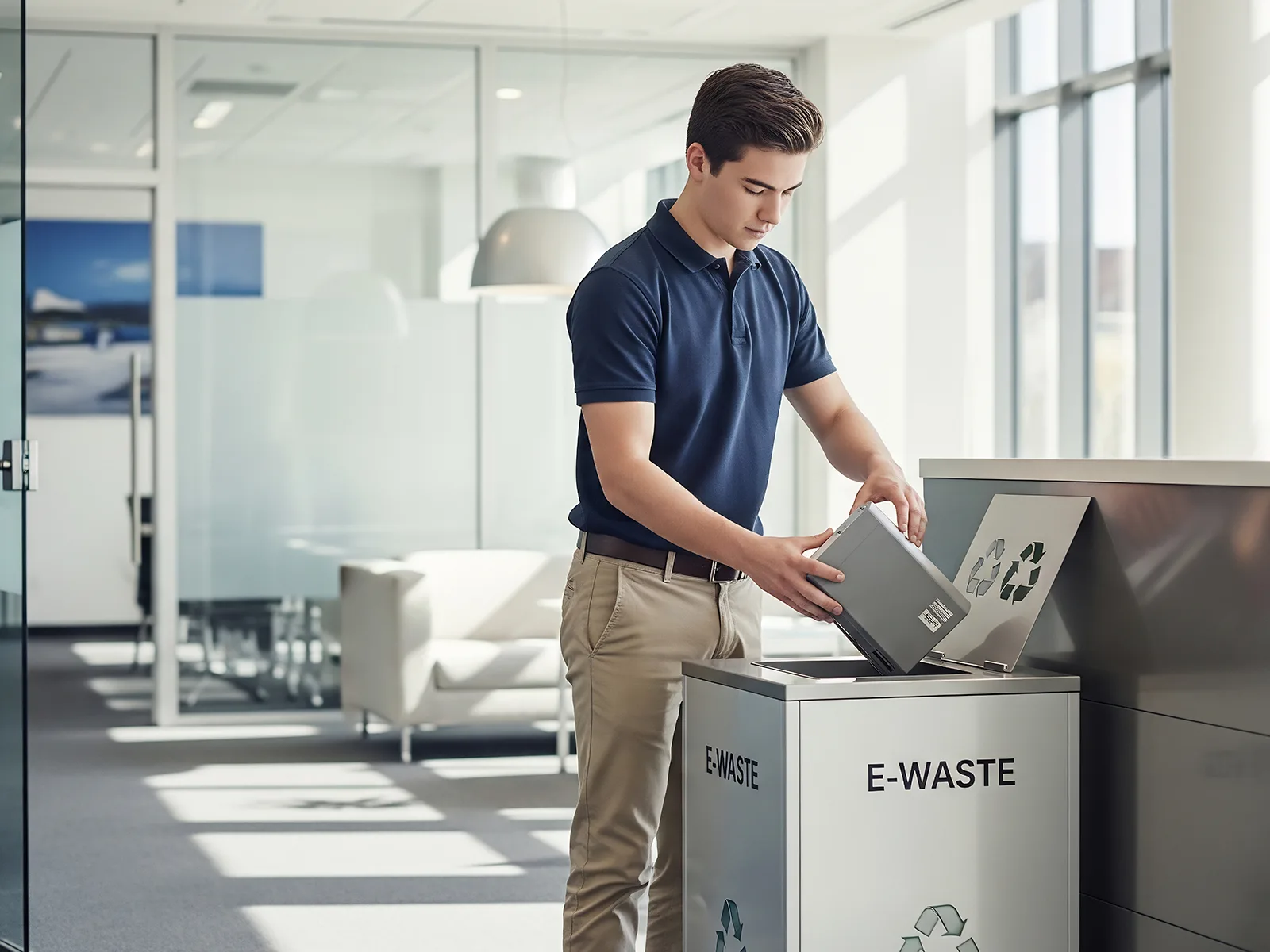
Data center equipment creates both security and environmental responsibilities. Storage devices must be protected, and electronics should not be dumped in landfills or handled by unqualified vendors. Responsible e-waste recycling helps recover materials and reduce environmental harm.

Companies today are expected to manage technology responsibly. Customers, partners, auditors, and leadership teams want to know that business electronics are handled securely and sustainably.

For many organizations, decommissioning is also connected to ESG goals, cybersecurity policies, and vendor risk management. A proper process helps support all three.

Why eWasteWorld Is the Right Partner

eWasteWorld provides secure recycling and ITAD support for businesses retiring servers, network devices, storage equipment, office electronics, and related infrastructure. We understand that IT managers need clear communication, secure handling, and dependable service.

Our team helps with IT equipment disposal, electronics recycling, data destruction, and business pickup services. Whether you are clearing one server room or removing equipment from multiple offices, we can help create a safer and more organized recycling process.

Call to Action

If your company is planning a server refresh, cloud migration, office move, or infrastructure cleanup, do not wait until retired equipment becomes a security problem. Contact eWasteWorld today for secure business electronics recycling, ITAD support, and responsible data center decommissioning services.

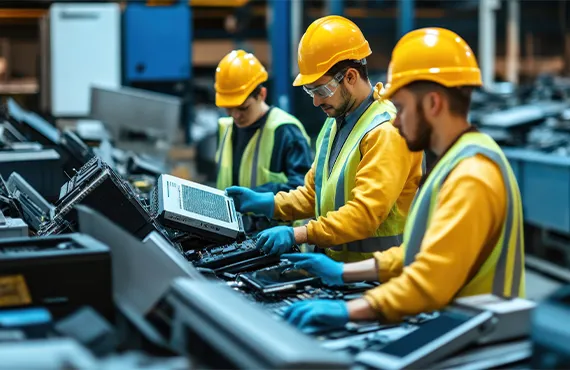
Modern businesses depend on reliable networks every day. Routers, switches, firewalls, servers, wireless access points, storage systems, and cabling keep employees connected, protect sensitive information, and support daily operations. But when this equipment becomes outdated, damaged, or replaced, many companies do not realize that retired network hardware can still create serious security and compliance risks.

For an IT manager, replacing equipment is only one part of the responsibility. The bigger responsibility is making sure old devices are removed, tracked, wiped, destroyed, recycled, and documented correctly. This is where professional network equipment recycling becomes important. It is not just about getting rid of old hardware. It is about protecting the business from data exposure, environmental liability, and operational risk.

At eWasteWorld, we help businesses safely recycle retired IT and network equipment with secure handling, responsible processing, and business-focused documentation. For companies upgrading infrastructure, moving offices, closing locations, or cleaning out server rooms, professional recycling can reduce risk and support better IT lifecycle management.

Network Devices Can Store Sensitive Information

Many business owners think sensitive data only exists on laptops, desktops, and hard drives. IT managers know the risk goes deeper. Network devices can store configuration files, administrator usernames, IP addressing information, VPN settings, wireless credentials, firewall rules, system logs, routing details, and security policies.

Old routers and firewalls may contain site-to-site VPN settings, remote access information, or security rules. Wireless access points may retain SSIDs and authentication settings. Managed switches may include VLAN configurations, port security details, and network segmentation information. This is why IT asset disposition must include network equipment, not only computers and servers.

Even if a device seems broken or outdated, it should not be treated like regular trash. A professional recycling process helps make sure equipment is handled securely from pickup to final processing.

Why IT Managers Need a Secure Recycling Process

IT managers are responsible for uptime, cybersecurity, hardware lifecycle planning, user access, vendor management, documentation, and compliance support. Retired equipment can become a weak point if it is not handled correctly. Without a secure recycling process, devices may be stored in closets for years, given to unauthorized vendors, resold without proper clearing, or disposed of without documentation.

A secure process should include inventory review, asset tracking, separation of data-bearing equipment, proper destruction when required, and documentation. This protects the IT department and gives management confidence that retired technology was handled responsibly.

Professional secure IT recycling also saves time. Instead of assigning internal employees to move heavy equipment, sort cables, remove hardware, or figure out disposal rules, businesses can work with a recycling partner that understands IT environments.

Network+ Concepts That Apply to Recycling

Network+ training teaches that business networks are built from layers of hardware and services. Routers direct traffic between networks. Switches connect devices inside the local network. Firewalls control and inspect traffic. Wireless access points provide mobility. Servers and NAS devices store and share information. When these systems are retired, each category creates a different risk.

For example, a firewall is not just a box. It may contain access control rules, NAT policies, VPN profiles, security certificates, admin credentials, and traffic logs. A switch may show internal network segmentation. A server may contain business applications, cached data, drives, and user information. A wireless controller may contain multiple access point configurations.

This is why professional data destruction and recycling should be part of the same plan. Recycling without security creates risk. Security without documentation may not satisfy audits. A complete ITAD process connects both.

Common Equipment Businesses Should Recycle Securely

Business network recycling may include routers, switches, firewalls, wireless access points, wireless controllers, servers, racks, UPS units, patch panels, VoIP phones, modems, cables, storage devices, backup devices, and endpoint equipment. Each item should be reviewed based on whether it stores data, configuration, credentials, or business information.

For example, router recycling and switch recycling should be handled carefully because these devices can reveal how a network was designed. firewall recycling requires even greater caution because security policies and access rules are often stored inside the device.

Wireless equipment also matters. Old access points and controllers may still include wireless network names, authentication settings, and management information. When businesses recycle wireless devices, they should work with a partner that understands wireless access point recycling and secure handling.

Compliance and Liability

Many organizations must follow internal security policies, customer requirements, insurance requirements, or industry regulations. Even when there is no direct law telling a company how to recycle every network device, poor disposal can still create liability. If equipment is lost, resold, dumped, or mishandled, the company may have to answer difficult questions later.

Documentation is important. IT managers need proof that assets were picked up, processed, destroyed when required, and recycled responsibly. A proper recycling partner can support chain of custody, asset reports, and certificates when applicable.

This documentation helps protect the business during audits, vendor reviews, insurance questions, internal investigations, and compliance checks. It also helps the IT department show that retired assets were handled professionally.

Environmental Responsibility Is Also a Business Issue

Network equipment contains metals, circuit boards, plastics, batteries, and components that should not be treated as regular waste. Responsible e-waste recycling helps reduce landfill waste, recover useful materials, and support environmental responsibility.

For many companies, sustainability is no longer just a marketing idea. Customers, partners, and employees increasingly expect businesses to manage electronics responsibly. A secure recycling program supports both cybersecurity and environmental goals.

Why Call eWasteWorld?

eWasteWorld helps businesses remove, recycle, and process retired technology with a focus on security, reliability, and responsible service. Whether your company is upgrading firewalls, replacing switches, clearing a server room, or removing old office electronics, we can help make the process easier and safer.

Our services support corporate electronics recycling, ITAD, data destruction, and network equipment removal. We understand that IT managers need more than a pickup. They need a partner that respects business risk, handles equipment carefully, and provides a clear process.

Call eWasteWorld Before Retired Equipment Becomes a Risk

If your business has retired routers, switches, firewalls, servers, wireless equipment, or other IT assets, do not let them sit in storage or leave through an unknown disposal channel. Contact eWasteWorld today for secure business IT recycling and a responsible recycling solution designed for professional IT environments.

Many businesses invest in cybersecurity, cloud protection, antivirus software, firewalls, employee training, password policies, and backup systems. These are all important. But one serious security risk is often forgotten: old computers, retired laptops, unused servers, abandoned hard drives, and outdated office electronics sitting in storage rooms, IT closets, warehouses, or back offices.

These devices may no longer be connected to your network, but they can still contain sensitive company information. Customer records, employee files, tax documents, contracts, accounting data, emails, passwords, internal reports, business plans, and confidential documents may remain on old equipment long after it has been removed from daily use.

Without a proper IT Asset Disposition (ITAD) process, retired equipment can become a serious security risk for your company. For businesses in Orange County, secure ITAD Services, Data Destruction, Hard Drive Shredding, Electronic Recycling, and Corporate E-Waste Recycling are not just environmental services. They are part of responsible business security, compliance, and risk management.

What Is IT Asset Disposition (ITAD)?

IT Asset Disposition, also known as ITAD, is the secure process of retiring, tracking, destroying, recycling, or remarketing business technology assets that are no longer needed.

These assets may include desktop computers, laptops, servers, hard drives, solid-state drives, tablets, smartphones, printers, monitors, network switches, routers, firewalls, backup storage devices, cables, and other office electronics.

A professional ITAD process helps businesses protect sensitive data, reduce liability, clear storage space, improve asset management, and ensure old electronics are handled responsibly.

For IT managers, operations managers, office managers, and business owners, IT Asset Disposition should be part of the company’s overall cybersecurity and compliance strategy. Technology assets must be managed from purchase to retirement. The risk does not end when a device is replaced.

Why Old Computers Create Security Risks

An old computer does not become safe just because it is unplugged. Many retired devices still contain recoverable information. Even if files were deleted, data may still remain on the hard drive or SSD.

This can include customer databases, employee records, payroll information, medical files, financial reports, tax documents, legal records, login credentials, emails, and internal company files.

If these devices are donated, sold, recycled, or thrown away without proper Secure Data Destruction, your company could be exposed to data breaches, compliance problems, and reputational damage.

For an IT manager, this is a serious concern. A forgotten laptop, server, or hard drive can create the same level of risk as an unsecured active computer. In some cases, the risk is even higher because retired devices are often ignored, untracked, and unprotected.

The Hidden Cost of Storing Retired IT Equipment

Many companies keep old electronics because they think they may need them later. Over time, storage rooms become filled with outdated computers, broken monitors, old servers, unused cables, printers, and boxes of hard drives.

This creates several problems. First, valuable office space is wasted. Second, nobody knows exactly what data is still stored on those devices. Third, the company loses control over its retired assets. Fourth, old electronics may be moved, misplaced, stolen, or accidentally thrown away without proper documentation.

A professional Corporate E-Waste Recycling and ITAD plan helps your business remove old electronics safely, document the process, and reduce unnecessary risk.

For many companies, the problem starts small. A few laptops are placed in a closet. Then old monitors are added. Then servers are removed from a rack and stored. After a few years, the business has a large amount of retired technology with no clear record of what is there, who used it, or what data may still be inside.

Deleting Files Is Not Enough

One of the biggest mistakes businesses make is assuming that deleting files removes data permanently. In many cases, deleted files can still be recovered with data recovery tools.

Emptying the recycle bin, formatting a drive, or manually deleting folders is not the same as professional Data Destruction.

If a hard drive, SSD, laptop, or server contains sensitive information, it should be handled through a secure process. This may include certified wiping, physical destruction, or Hard Drive Shredding.

Businesses should never rely on simple file deletion when retiring company equipment. A secure disposal plan should identify which devices contain data, how the data will be destroyed, who will handle the equipment, and how the process will be documented.

Why Hard Drive Shredding Matters

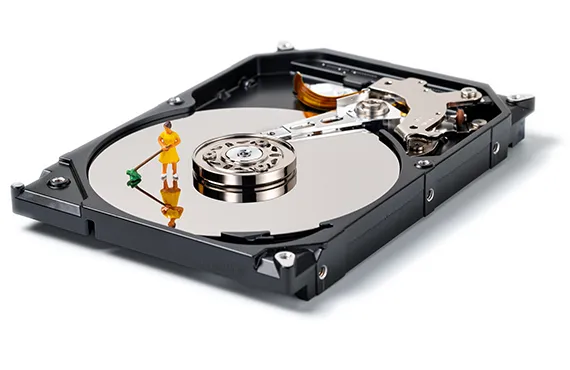
Hard Drive Shredding is one of the strongest methods for destroying data-bearing devices. Instead of relying only on software deletion, shredding physically destroys the storage media so the information cannot be recovered.

This is especially important for companies that handle confidential customer information, financial records, employee files, legal documents, healthcare information, business contracts, or intellectual property.

For many businesses, Hard Drive Shredding provides peace of mind because the physical device is destroyed as part of the disposal process.

When an organization retires computers or servers, hard drives should be handled carefully. A missing or improperly disposed hard drive can create serious risk. Professional Hard Drive Shredding helps eliminate that risk by physically destroying the storage device.

Compliance and Liability Risks

Businesses have a responsibility to protect sensitive information throughout the entire lifecycle of their technology assets. That responsibility does not end when a computer is replaced.

Companies in healthcare, legal services, finance, insurance, education, real estate, accounting, and professional services may face serious consequences if data is exposed through improper disposal.

A secure IT Asset Disposition program can help demonstrate that your company takes data security, privacy, and responsible disposal seriously.

Even if your business is not in a highly regulated industry, protecting customer and employee information is still essential. A data incident caused by old equipment can damage trust, create legal exposure, and lead to unnecessary costs.

Electronic Recycling Is Also an Environmental Responsibility

Old electronics should not be placed in regular trash. Computers, monitors, printers, servers, batteries, and circuit boards may contain materials that should be processed responsibly.

Professional Electronic Recycling and Computer Recycling help recover useful materials and reduce the amount of electronic waste going to landfills.

For Orange County businesses, responsible recycling supports both environmental goals and professional business operations. A proper disposal plan protects company data while also supporting sustainability.

Many businesses want to show customers, employees, and partners that they operate responsibly. A structured Corporate E-Waste Recycling program helps demonstrate that commitment.

Common Business Electronics That Should Be Recycled

Many types of business equipment can be included in an Electronic Recycling or ITAD program, including:

  • Desktop computers
  • Laptops
  • Servers
  • Hard drives
  • Solid-state drives
  • Monitors
  • Printers
  • Phones
  • Tablets
  • Network switches
  • Routers
  • Firewalls
  • Backup storage devices
  • Cables
  • Office electronics
  • Battery backup units

If your company has outdated electronics sitting unused, it is better to schedule a professional pickup instead of letting them become a long-term security and storage problem.

When Should a Business Schedule ITAD or E-Waste Pickup?

Businesses should consider scheduling Corporate E-Waste Recycling or ITAD Services after an IT upgrade, office move, employee equipment replacement, server retirement, warehouse cleanup, business closure, or department relocation.

You should also schedule pickup when old computers, monitors, hard drives, servers, or office electronics have been sitting unused for months.

The longer retired devices remain in storage, the greater the chance of theft, loss, damage, or accidental exposure.

A good rule is simple: if the device is no longer being used and may contain company data, it should be included in a secure IT Asset Disposition plan.

Why IT Managers Should Take Action Now

IT managers already understand the importance of cybersecurity, access control, backups, endpoint protection, and network monitoring. But retired hardware must also be part of the security conversation.

If old devices are not tracked, wiped, destroyed, or recycled properly, they can become a weak point in your company’s security process.

A proper ITAD strategy helps IT teams reduce risk, protect company data, support compliance, and keep retired equipment from becoming a future problem.

Taking action now is much easier than dealing with a security incident later. A scheduled pickup and secure disposal process can remove risk, clear space, and give your team confidence that old equipment has been handled correctly.

How eWasteWorld Helps Orange County Businesses

eWasteWorld helps businesses throughout Orange County with secure and responsible technology disposal. Our services are designed for companies that need more than basic recycling.

We provide IT Asset Disposition (ITAD), Secure Data Destruction, Hard Drive Shredding, Electronic Recycling, Computer Recycling, Corporate E-Waste Recycling, and business pickup services.

Whether your company is upgrading computers, clearing storage space, replacing servers, preparing for an office move, or managing retired IT equipment, eWasteWorld can help you create a secure and simple disposal plan.

Our goal is to make the process easy for business owners, IT managers, office managers, and operations teams. You should not have to worry about where to take old electronics, how to remove hard drives, or how to reduce data risk. eWasteWorld helps make the process more organized, secure, and professional.

Business Pickup Services Save Time

For busy companies, transporting old electronics can be difficult. Computers, monitors, servers, and printers can be heavy, bulky, and time-consuming to move. Staff members may not have the time, equipment, or knowledge to handle retired electronics properly.

That is why business pickup services are important. Instead of letting old equipment pile up, your company can schedule a pickup and have the electronics removed professionally.

This helps your business save time, clear space, reduce risk, and keep the disposal process organized.

What Makes a Good ITAD Partner?

Choosing the right ITAD partner matters. A good provider should understand data security, business pickup needs, electronics recycling, and hard drive destruction.

Your provider should also understand that businesses need a simple and reliable process. IT managers and office managers do not want confusion. They want old equipment removed safely, data handled properly, and the process completed without unnecessary delays.

When choosing an IT Asset Disposition provider, look for a company that offers secure handling, clear communication, business-focused service, and responsible recycling.

Final Thoughts

Old computers are not just outdated equipment. They can be a serious security risk.

Every retired laptop, server, hard drive, SSD, and business computer should be handled with care. Proper IT Asset Disposition helps protect your business from data breaches, compliance issues, and unnecessary liability.

If your company has old electronics sitting in storage, now is the right time to take action. Do not wait until a device is lost, stolen, or improperly disposed of.

A secure ITAD process can help your company protect data, clear space, support sustainability, and manage retired equipment responsibly.

Need Secure IT Asset Disposition in Orange County?

Don’t let retired computers become a security risk for your business. eWasteWorld provides professional ITAD Services, Data Destruction, Hard Drive Shredding, Electronic Recycling, Computer Recycling, and Corporate E-Waste Recycling throughout Orange County.

Contact eWasteWorld today to schedule a business pickup and protect your organization from unnecessary risk.

Schedule a Business Pickup

When businesses replace computers, servers, storage systems, or networking equipment, one critical question often gets overlooked: what happens to the data?

Retired storage devices often contain customer records, financial information, employee files, contracts, email archives, and sensitive business data. This is why a professional
Data Destruction
strategy should be part of every technology refresh project.

Why Data Security Does Not End When Equipment Is Retired

Many organizations invest heavily in cybersecurity, firewalls, endpoint protection, access control, and network monitoring. However, security does not end when equipment leaves the office.

A discarded hard drive may contain valuable information that could expose an organization to unnecessary risk. Proper
IT Asset Disposition (ITAD)
helps businesses manage retired technology in a secure and organized manner.

What Is Data Wiping?

Data wiping is a software-based process that overwrites information stored on a device. The goal is to make the original data unrecoverable while preserving the hardware for reuse, resale, or redeployment.

For businesses that want to maximize asset value, data wiping can be an effective solution when drives remain functional and can be verified successfully.

Advantages of Data Wiping

  • Preserves equipment value
  • Supports sustainability initiatives
  • Reduces unnecessary electronic waste
  • Allows asset redeployment
  • Supports corporate technology refresh programs
  • Provides documented sanitization records

Limitations of Data Wiping

Data wiping is not always possible. Failed drives, damaged storage devices, and inaccessible media may not support software-based sanitization methods.

For organizations handling highly sensitive information, physical destruction often provides a greater level of confidence.

What Is Hard Drive Destruction?

Hard drive destruction is the physical destruction of storage media to ensure information cannot be recovered. This method is commonly used when devices have reached the end of their useful life or contain highly confidential information.

Many organizations incorporate physical destruction into their
IT Asset Disposition (ITAD)
programs to reduce security risks and simplify compliance requirements.

Common Hard Drive Destruction Methods

Hard Drive Shredding

Industrial shredders break storage devices into small fragments, making reconstruction virtually impossible.

Hard Drive Crushing

Crushing physically damages the internal components and storage surfaces of a drive, preventing future access to the data.

Degaussing

Degaussing uses a powerful magnetic field to disrupt magnetic storage media. While effective for some traditional drives, it is not suitable for every storage technology.

Hard Drive Destruction vs Data Wiping

Both methods are valuable and serve different business objectives.

Data wiping allows businesses to preserve hardware value and potentially reuse equipment. Hard drive destruction prioritizes maximum security by permanently eliminating the storage device.

The appropriate choice depends on asset condition, security requirements, compliance obligations, and organizational risk tolerance.

Compliance and Risk Management

Businesses today must consider legal obligations, privacy requirements, and internal security policies when disposing of IT assets.

Maintaining a documented
Chain of Custody
throughout the disposal process helps organizations demonstrate accountability and reduce risk.

Industries handling healthcare information may also require
HIPAA Compliance
when managing retired data-bearing devices.

The Role of Responsible Recycling

Security is only one part of the equation. Businesses should also consider environmental responsibility when disposing of electronic equipment.

Working with providers that support
Certified Electronics Recycling
helps reduce landfill waste while supporting sustainability initiatives.

Organizations seeking the highest environmental standards often look for partners that follow
R2 Certified Recycling
practices and responsible downstream processing.

Common Mistakes Businesses Make

  • Deleting files and assuming data is gone
  • Throwing storage devices into general recycling
  • Donating computers without sanitization
  • Ignoring failed hard drives
  • Failing to document disposal activities
  • Not maintaining a chain of custody
  • Overlooking compliance requirements

Final Thoughts

There is no single solution that fits every organization. Data wiping and hard drive destruction both play important roles in a secure asset retirement strategy.

The best approach depends on the condition of the device, the sensitivity of the information, regulatory requirements, and business objectives.

Organizations should evaluate disposal procedures carefully and work with experienced providers that understand data security, compliance, and responsible electronics recycling.

Need Professional Data Destruction Services?

eWasteWorld helps businesses protect sensitive information through secure
Data Destruction,
professional
IT Asset Disposition (ITAD),
documented
Chain of Custody,
and
Certified Electronics Recycling
services.

Whether your organization is upgrading computers, replacing servers, retiring storage systems, or clearing outdated IT equipment, our team can help develop a secure and responsible disposal strategy.

Serving businesses throughout Orange County, California and New Jersey. Contact eWasteWorld today to discuss your next IT asset disposal project.

`

Introduction

Corporate e-waste is growing at an unprecedented rate. Offices upgrade technology frequently, but many overlook what happens after equipment is retired.

Improper handling exposes companies to legal liability, environmental harm, and brand risk. A structured Certified Recycling program helps organizations reduce risk while maintaining compliance and sustainability goals.


What Counts as Corporate E-Waste?

Corporate electronic waste includes a wide range of retired technology assets:

  • Computers & laptops
  • Monitors & TVs
  • Printers & copiers
  • Networking equipment
  • Servers & storage devices
  • Phones & peripherals

Many of these devices contain sensitive business information and require secure handling before disposal.


Compliance: What Businesses Must Follow

Organizations must comply with environmental and data protection requirements when disposing of electronic equipment.

  • Environmental disposal laws
  • Data protection regulations
  • Local and state e-waste requirements

Failure to follow proper procedures can result in regulatory investigations, financial penalties, and reputational damage. Maintaining a documented Chain of Custody helps demonstrate compliance throughout the recycling process.


Liability Risks of Improper Disposal

Improper disposal creates significant risks for businesses:

  • Data leaks
  • Environmental violations
  • Illegal exporting
  • Negative publicity

Even when a third-party recycler is involved, liability can often remain with the original owner of the equipment if the recycler fails to follow industry standards.


Environmental Responsibility

Responsible corporate recycling supports both compliance and sustainability objectives.

  • Prevents toxic landfill waste
  • Conserves valuable raw materials
  • Reduces carbon footprint
  • Supports circular economy initiatives

Environmental responsibility has become an important factor in customer trust, vendor relationships, and corporate reputation.

Programs certified under standards such as R2 and Certified Recycling help ensure materials are processed responsibly.


Benefits of Professional Corporate Recycling

Working with a professional recycling partner offers several advantages:

  • Secure handling
  • Transparent reporting
  • Legal protection
  • ESG alignment
  • Improved brand credibility

Professional providers combine environmental responsibility with security controls designed for business environments.


Building a Corporate Recycling Strategy

A successful corporate recycling program typically includes:

  1. Inventory IT assets
  2. Define disposal schedules
  3. Choose certified partners
  4. Maintain documentation
  5. Review procedures annually

Organizations should establish clear policies to ensure consistency and accountability throughout the equipment lifecycle.


Conclusion

Corporate e-waste recycling is a strategic business responsibility rather than simply an operational task. Companies that implement responsible recycling practices reduce legal exposure, improve environmental performance, and strengthen their reputation.

Partnering with experienced providers and maintaining documented compliance procedures helps organizations manage electronic waste safely and responsibly.